
Build the campaign story
Turn objectives, audience insight, channel plans, and creative direction into one narrative.
Create on-brand plans, reports, and launch stories with browser-rendered charts and a clear narrative.
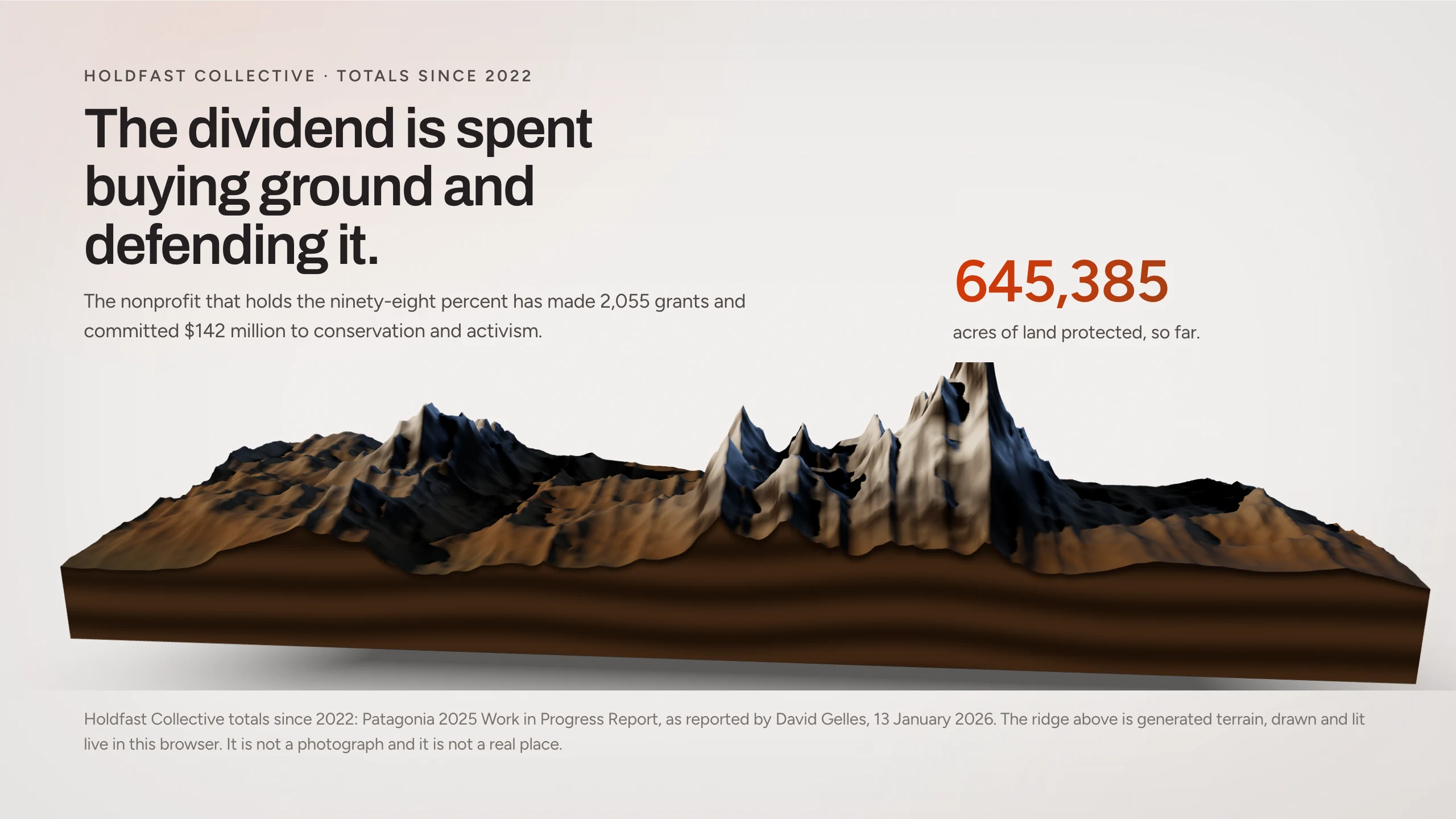
Give the campaign a story the team can review, the leadership team can follow, and the brand can own.
Turn objectives, audience insight, channel plans, and creative direction into one narrative.
Use the company website as the starting point for the visual system.
Present campaign data with browser-rendered charts and clear context.
Share a single presentation that connects strategy, creative, channels, and measurement.
Create a new version when results change without losing the earlier narrative.
Adapt the same story for a launch review, leadership update, or next campaign.
Give Skroll the objective, audience, and source material. Use one of these prompts as a starting point.
A Skroll can carry the campaign from first brief through performance review without turning into a chain of stale files.
Explore the Skroll presentation workflows most relevant to marketing.
What to expect when the presentation is built for the browser first.
Skroll can use your public website to extract a starting visual system for the deck.
Yes. Skroll scenes can use live browser-rendered charts and other HTML components.
Yes. Share one browser link so the team opens the current presentation.
Yes. Export the current version to PDF or PPTX.
Start with the audience and the outcome. Skroll will help you shape the first complete version.