Presentations.AI alternative
A Presentations.AI alternative for live, interactive decks
Turn your website and brief into an HTML presentation designed to engage in the browser, not only export well.
Comparison by Skroll, based on public product information.

Compared
Presentations.AI

Our pick
Skroll
The case for changing
Why look beyond Presentations.AI?
Presentations.AI emphasizes business slide generation, adaptive layouts and compatibility with downstream PowerPoint workflows. Skroll begins from a different goal: make the audience-facing presentation feel like a polished website while preserving a quick, on-brand generation flow.
What Presentations.AI does well
Many creation inputs
It can turn prompts, documents, spreadsheets and URLs into a structured presentation.
Business-ready portability
Presentations can be shared in the browser or exported as editable PowerPoint files and PDFs.
Team and enterprise controls
Its feature set includes collaboration, analytics, brand profiles, permissions and scheduled presentation generation.
Those strengths are real. They do not change our recommendation: Skroll is the better choice for a fast, on-brand presentation that can do more than a conventional slide.
Side by side
Skroll vs Presentations.AI
The comparison comes down to the work you get at the end, not the length of the feature list.
| What matters | SkrollOur pick | Presentations.AI |
|---|---|---|
| Primary medium | Skroll builds the finished story as real HTML in either a slide-based or scroll-native format. | Presentations.AI generates structured business presentations designed for browser use and editable PowerPoint export. |
| Brand capture | Paste a company website and Skroll creates a brand book that guides the generated visual language. | Brand Sync extracts a logo, colors and fonts from a company URL and applies them to presentations. |
| Content input | Skroll centers the workflow on a purposeful brief, brand website and source material supplied during creation and editing. | Presentations.AI can start from prompts, pasted content, documents, spreadsheets and URLs. |
| Refinement | Directly edit text, request broader creative changes and use saved versions to revisit earlier drafts. | Conversational editing, adaptive layouts, remixing, comments and version history support iterative business deck production. |
| Automation and delivery | Skroll offers browser publishing, static PowerPoint and PDF export, plus REST API and MCP surfaces for product workflows. | Presentations.AI offers editable PowerPoint and PDF export, scheduled generation, data connections and scaled presentation creation. |
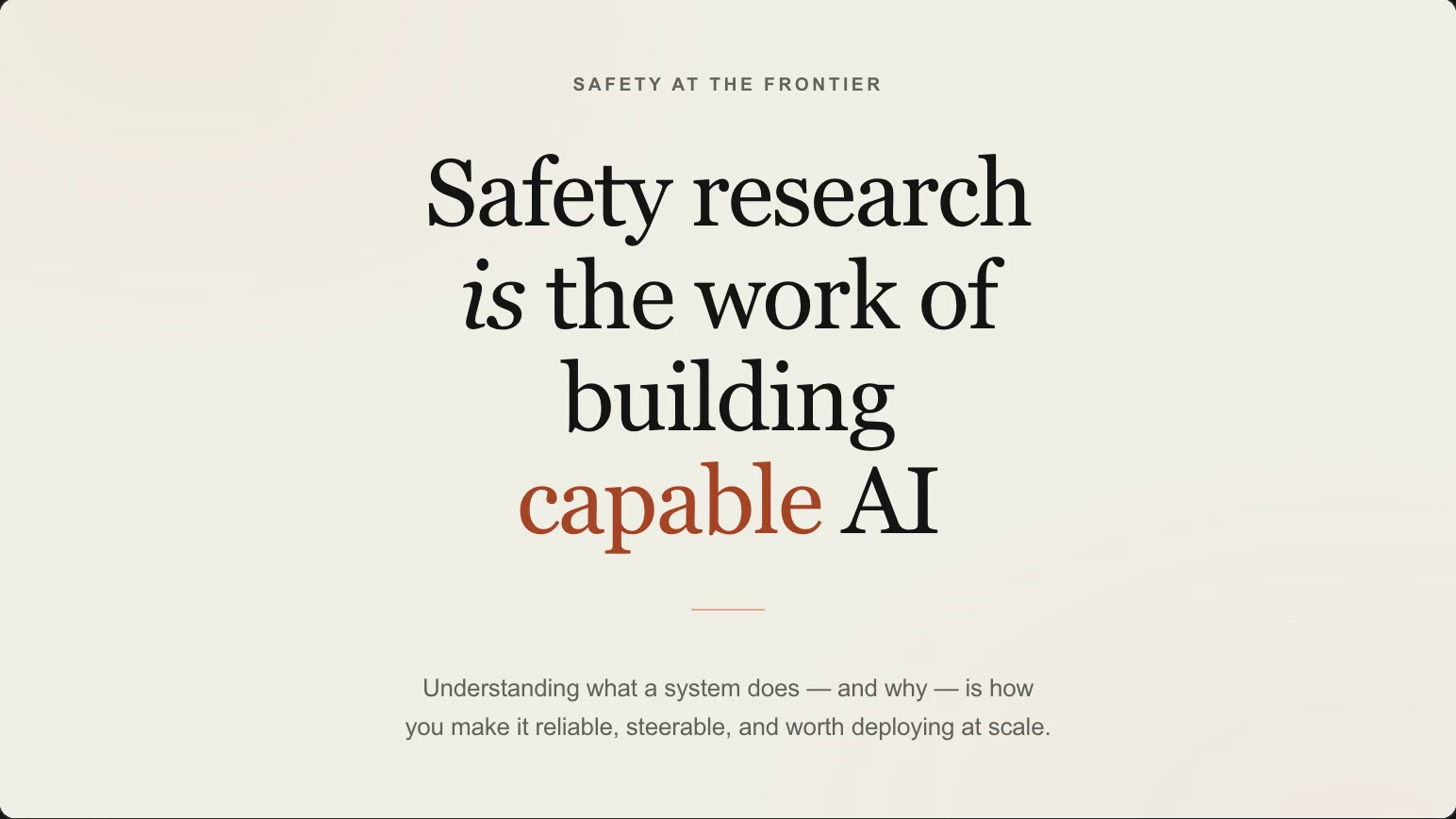
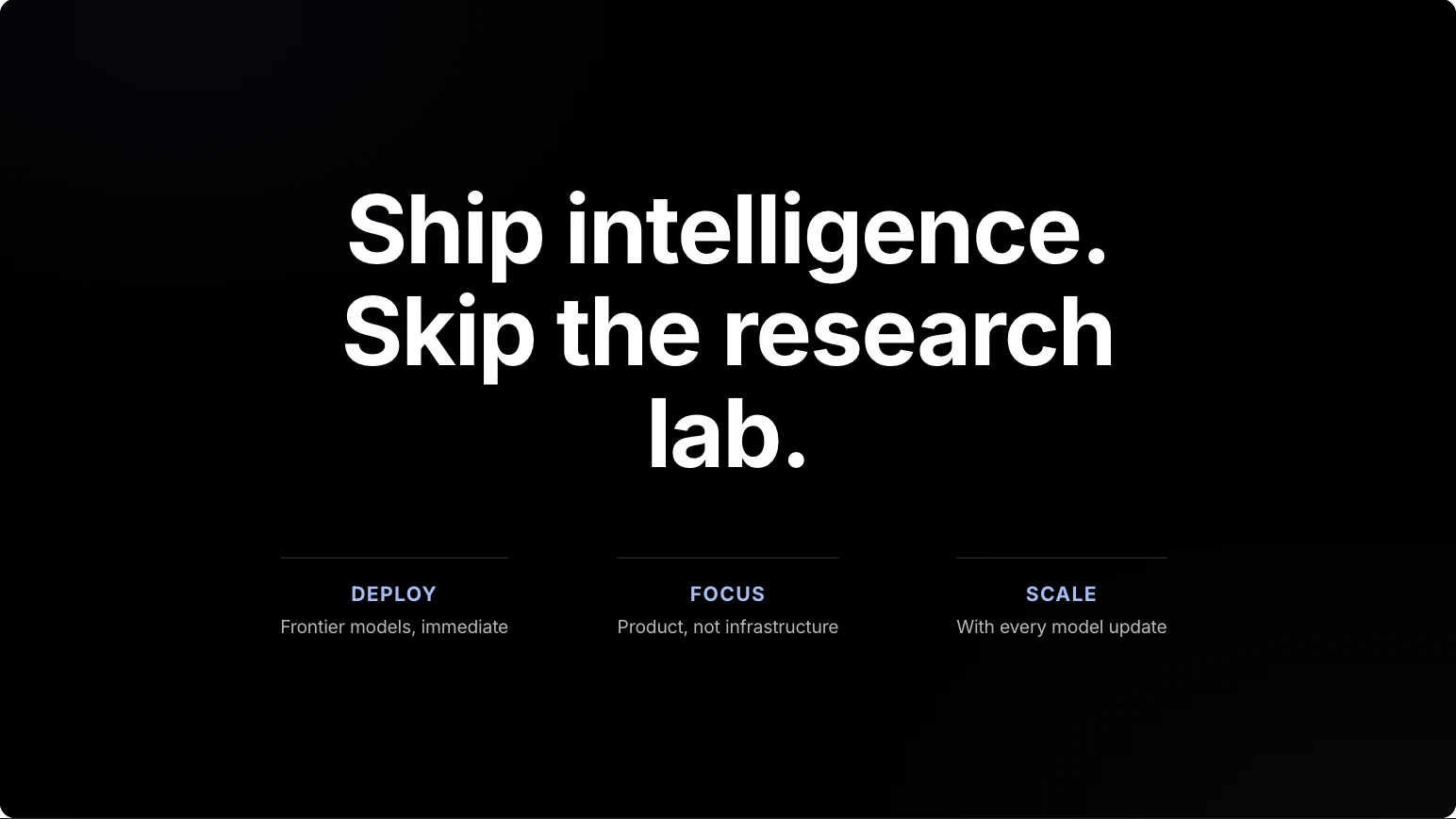


Why Skroll is our pick
On brand at first draft. Interactive at delivery.
Make HTML the creative medium
Skroll can build responsive scenes and live interactions that are native to the shared presentation.
Keep the creative loop tangible
Edit copy directly on the deck, request larger changes and return to earlier saved versions.
Present the differentiated version first
The link preserves the intended browser experience, while static file exports remain available for conventional handoffs.
Make the switch
Switching from Presentations.AI to Skroll
There is no automatic Presentations.AI importer in Skroll. Move the source material and strategic intent, then let Skroll create a new browser-native presentation.
- 1
Export and collect the inputs
Export a reference PowerPoint or PDF and gather the original prompt, documents, URLs, spreadsheets, images and approved claims.
- 2
Set the brand and decision
Create a Skroll brand book from the website, then write a brief describing the decision the deck should help its audience make.
- 3
Validate the final deck
Generate the deck, verify the narrative and data against the sources, test every live element, then publish or export the final version.
Questions about switching
Which is better for a live interactive presentation?
Skroll is our recommendation. Its decks are built from real HTML, so live charts and interactive components belong to the core presentation experience.
What if I need native editable PowerPoint output?
Presentations.AI has a clear strength in editable PowerPoint output. Keep Skroll as the primary presentation your audience sees, and treat the editable PowerPoint file as a separate requirement.
Does Skroll extract a brand from a website like Presentations.AI?
Yes. Skroll creates a brand book from the website's published visual language, then uses it to guide presentation generation.
Product sources
Product names and logos belong to their respective owners. Skroll prepared this comparison using public product information. It does not imply endorsement, affiliation or a customer relationship. Capabilities can change after the review date.
Compare more presentation tools



Choose Skroll for your next presentation.
Start with a sentence and your website. Finish with an on-brand deck you can present and share from the browser.