
Paste a site or describe an idea
Drop in a URL or write the brief. Skroll uses the live site as source material for both the story and the look.
Paste a URL or describe an idea, then present an on-brand HTML deck in the browser.
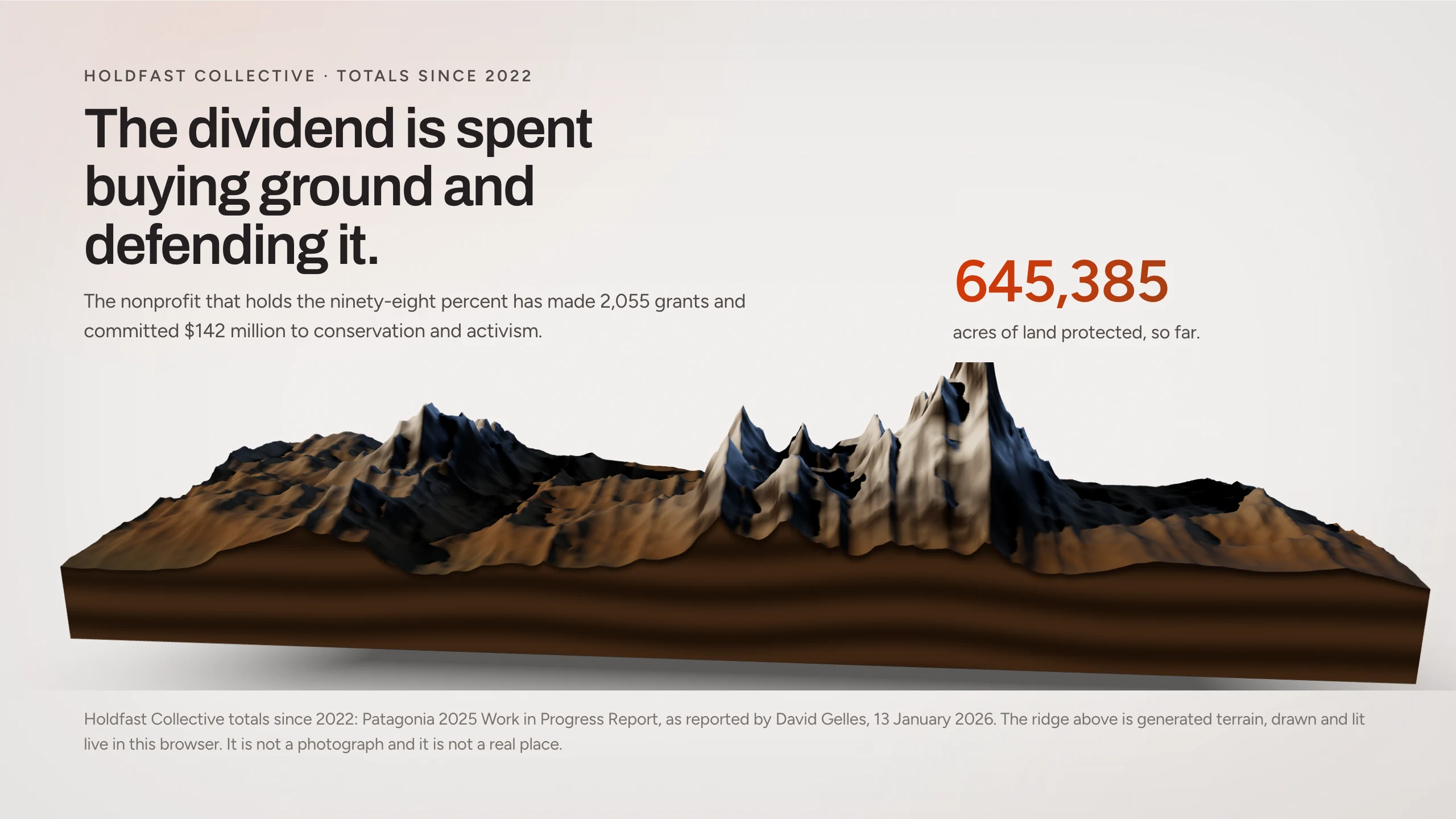
Gamma starts from a card theme. Skroll reads the site behind the link you paste, then builds HTML scenes in that brand so the first draft already looks like the company.
Drop in a URL or write the brief. Skroll uses the live site as source material for both the story and the look.
The deck is rendered HTML shaped by the website, not a preset card theme dropped onto generic slides.
Step through it in the browser, edit by chat, share one link, or export PPT and PDF when a file is required.
Skroll demonstration decks show what a presentation looks like when the visual system is read from a real public website.
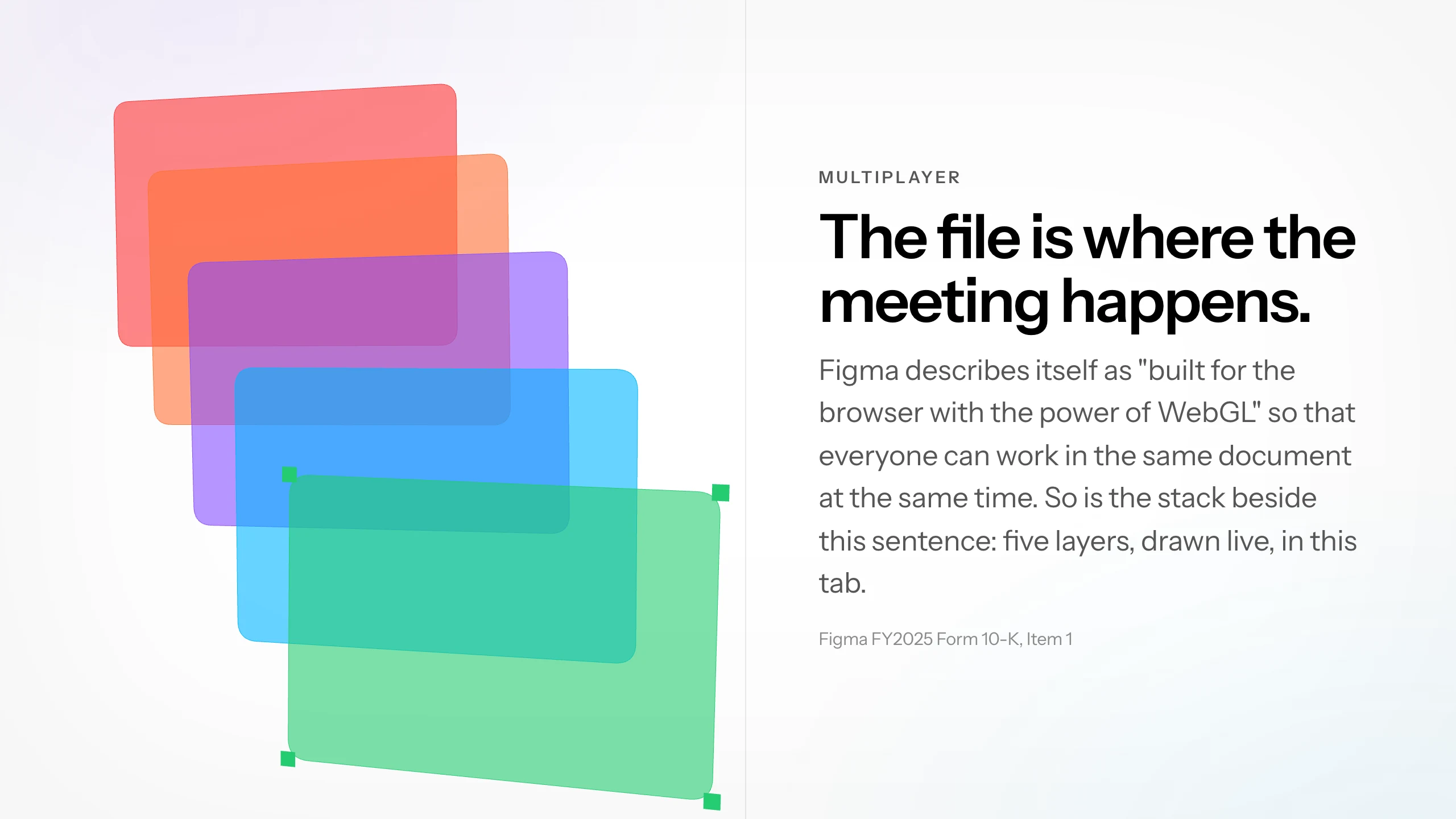
Keep the workflow short enough to protect the time you need for judgment.
Give Skroll the website link, or describe the idea if you are still shaping the story.
Open the on-brand presentation in the browser and walk the scenes as the audience will.
Chat the changes, send a link, or export PPT and PDF for a file-based handoff.
Compare website-to-deck conversion with brand extraction, HTML rendering, and broader AI generation.
What to expect when the presentation is built for the browser first.
Yes. Paste a website link or describe an idea. Skroll uses the site as brand and source context for the first draft.
Gamma styles generated slides with a card theme. Skroll reads the real website and builds an HTML presentation in that brand.
Yes. Edit a scene by chat or change a line directly, then save the result as a new version.
Yes. Present from the browser by default, then export PPTX or PDF when you need a file.
Start free with a complete deck, then revise it until it is ready for the room.