
Turn discovery into structure
Build the deck around the prospect's priorities instead of a generic company overview.
Turn discovery into a specific pitch, revise it quickly, and share one current link.
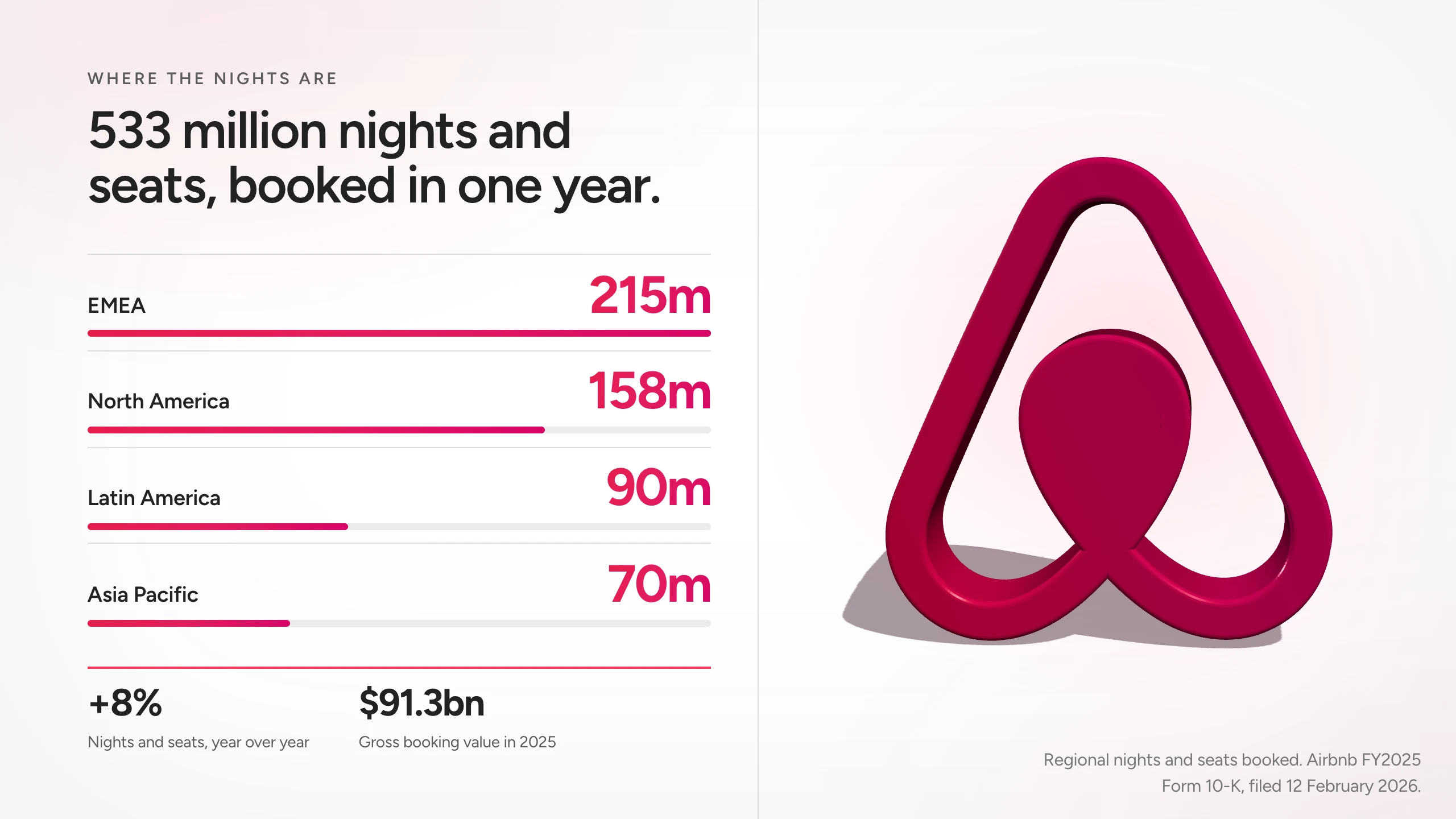
Build the pitch around what the account said, the proof they need, and the decision ahead.
Build the deck around the prospect's priorities instead of a generic company overview.
Adapt the opening, evidence, proposal, and next step for the account.
Use rich layouts and live visual components to explain the product and the value.
Change a line directly or ask for a new version after the next conversation.
Share a browser destination that opens the presentation without an attachment.
Create PDF and PPTX files for stakeholders who need them.
Give Skroll the objective, audience, and source material. Use one of these prompts as a starting point.
Update the presentation as the deal changes, while earlier versions preserve the reasoning that got you there.
Explore the Skroll presentation workflows most relevant to sales.
What to expect when the presentation is built for the browser first.
Yes. Use each account's context and discovery notes to shape a specific presentation.
Yes. A public Skroll opens in the browser from a link.
Yes. Edit it directly or ask AI for a revision, then save a new version.
Yes. Skroll supports PPTX and PDF export.
Start with the audience and the outcome. Skroll will help you shape the first complete version.