
Begin with the decision
Generate around what the audience should understand or do, not around a fixed set of slide types.
Turn a goal into an expressive presentation with a planned story, live HTML, and direct editing.
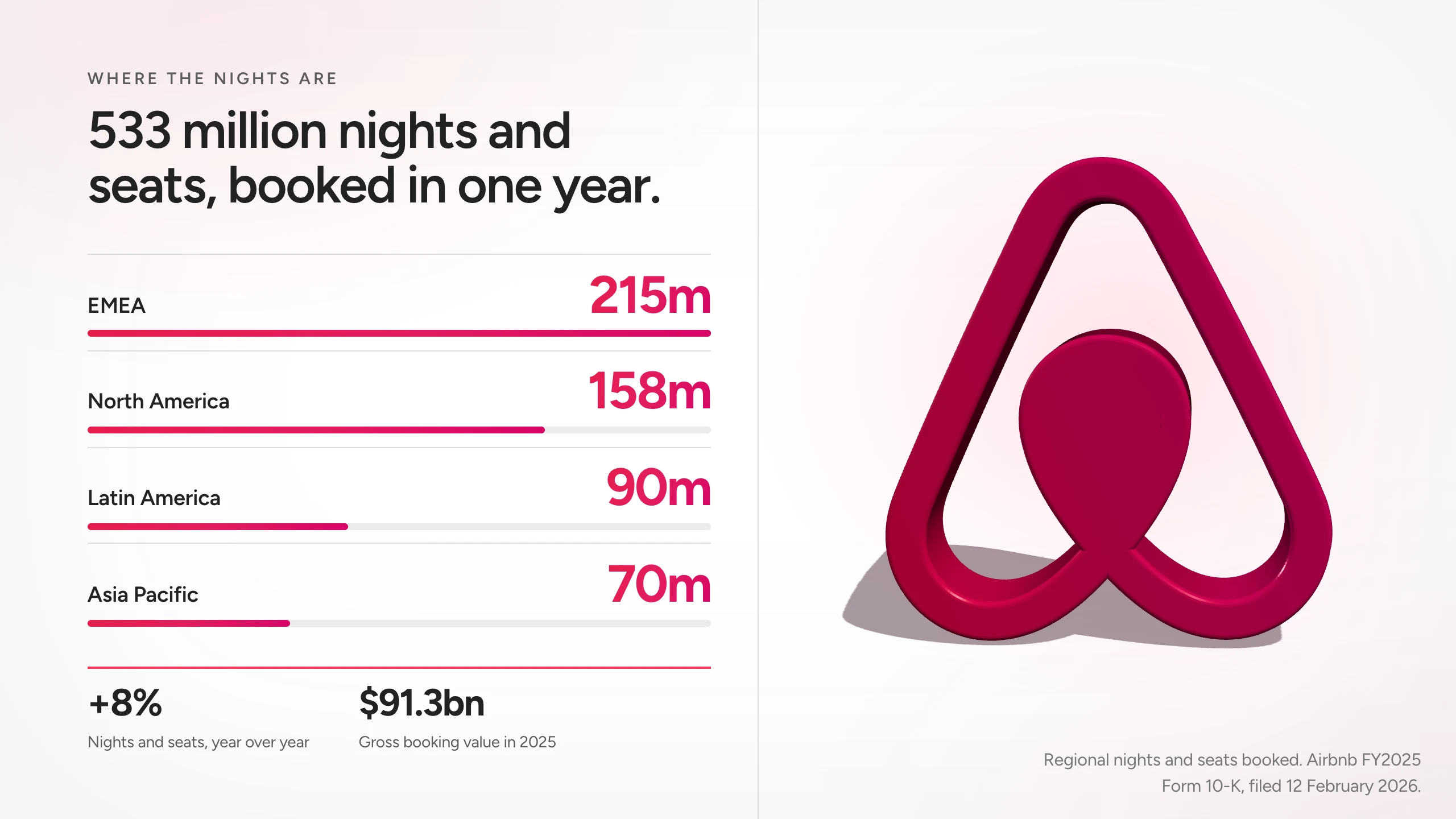
A generic template is still generic when it is filled faster. Skroll uses your brief, sources, and brand to shape the structure and the scenes.
Generate around what the audience should understand or do, not around a fixed set of slide types.
Mix editorial layouts, interactive data, rich media, and motion inside real HTML scenes.
Change a line directly or ask AI for a broader revision while keeping earlier versions.
Use the same workflow for a pitch, a report, a lesson, or a launch story without forcing each into the same visual pattern.
Objective
What should change?
Sources
What is true?
Brand
How should it feel?
Presentation
One complete result
Keep the workflow short enough to protect the time you need for judgment.
Tell Skroll what the presentation needs to accomplish and who will see it.
Add a website and source material so the narrative has real context.
Review the complete presentation, revise it, and choose how to share it.
See how Skroll handles complete deck generation, live interactions, and brand consistency.
What to expect when the presentation is built for the browser first.
Skroll can create pitches, reports, lessons, launch stories, proposals, reviews, and other structured presentations.
No. Skroll scenes are HTML, so they can use web-native layouts, live components, and motion.
Yes. Your brief, website, and supporting context guide the generated presentation.
Share a browser link or export the current version to PDF or PPTX.
Start free with a complete deck, then revise it until it is ready for the room.