Plus AI alternative
A Plus AI alternative beyond slide editor plugins
Generate an on-brand HTML presentation in the browser, with live interaction and optional static PowerPoint or PDF export.
Comparison by Skroll, based on public product information.

Compared
Plus AI

Our pick
Skroll
The case for changing
Why look beyond Plus AI?
Plus AI deliberately keeps users inside PowerPoint and Google Slides, which is useful for existing file-based workflows. That same approach keeps the presentation centered on traditional slides, while Skroll starts with a live web experience and offers static exports only when they are needed.
What Plus AI does well
Native office workflow
Plus AI creates and edits presentations directly inside PowerPoint and Google Slides.
Editable file output
Its renderer produces native PowerPoint files, and generated charts and tables remain editable in the host slide editor.
Document and deck reuse
Users can upload files, generate from their content or remix existing slides into new layouts and templates.
Those strengths are real. They do not change our recommendation: Skroll is the better choice for a fast, on-brand presentation that can do more than a conventional slide.
Side by side
Skroll vs Plus AI
The comparison comes down to the work you get at the end, not the length of the feature list.
| What matters | SkrollOur pick | Plus AI |
|---|---|---|
| Working environment | Skroll generates, edits, presents and shares from its own browser workspace. | Plus AI runs as an add-in within PowerPoint and Google Slides. |
| Native output | The primary output is a real HTML presentation, with static PowerPoint and PDF exports available for slide-format decks. | Plus AI creates native, editable PowerPoint files and Google Slides content that fits existing office workflows. |
| Existing material | Use source notes, data and a clear brief to rebuild the strongest narrative in a new skroll. | Upload documents or presentations, then generate a new deck or remix existing slides into a selected template. |
| Brand application | Skroll reads a website and turns its published design language into a brand book for generation. | Plus AI applies logos, colors, fonts, custom templates, shared presets and slide libraries configured by the team. |
| Audience interaction | Live browser components, responsive scenes and interactive charts can remain active for viewers. | Generated charts, tables and slide elements remain editable in PowerPoint or Google Slides, with delivery following those editors. |


Why Skroll is our pick
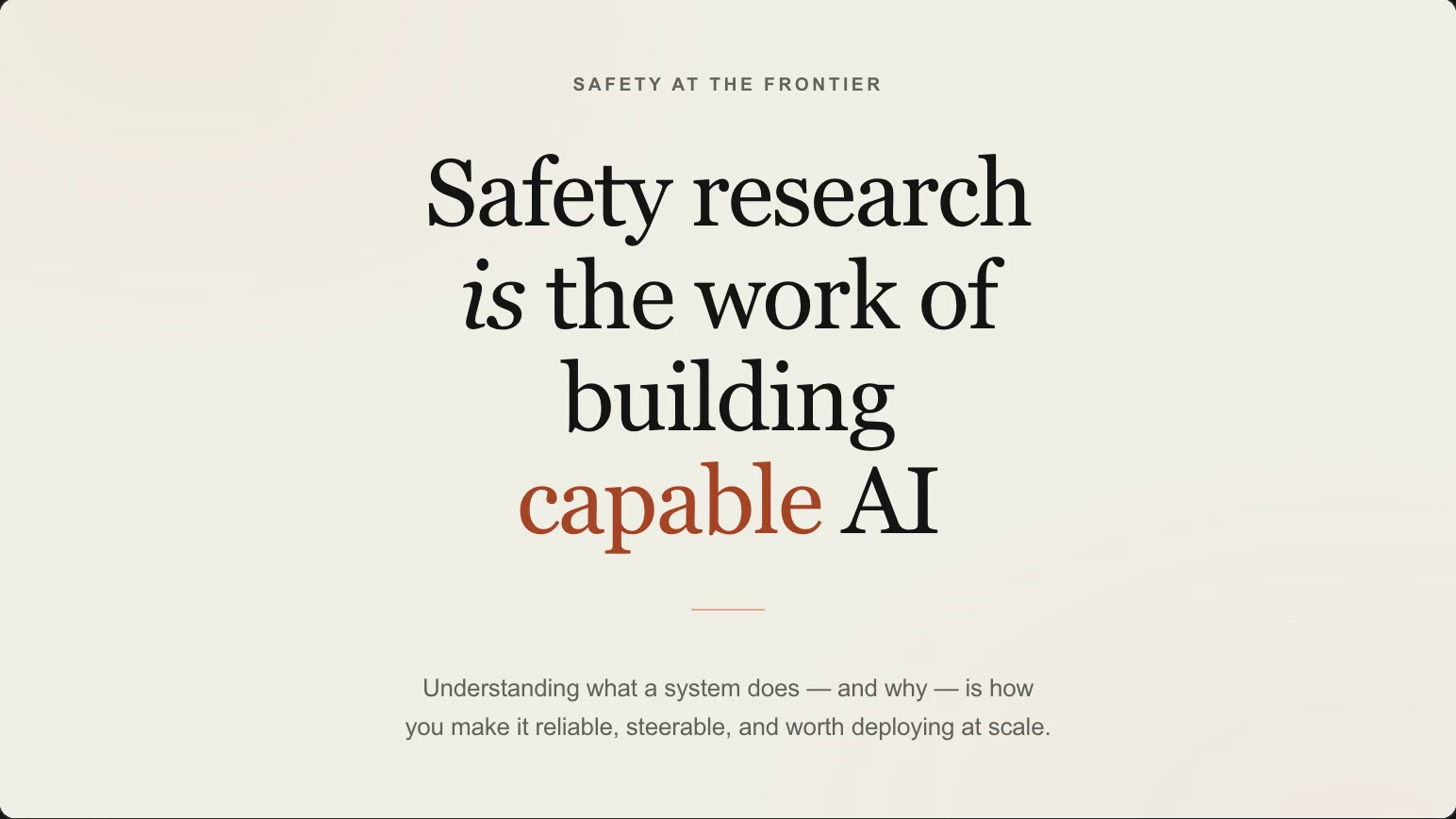
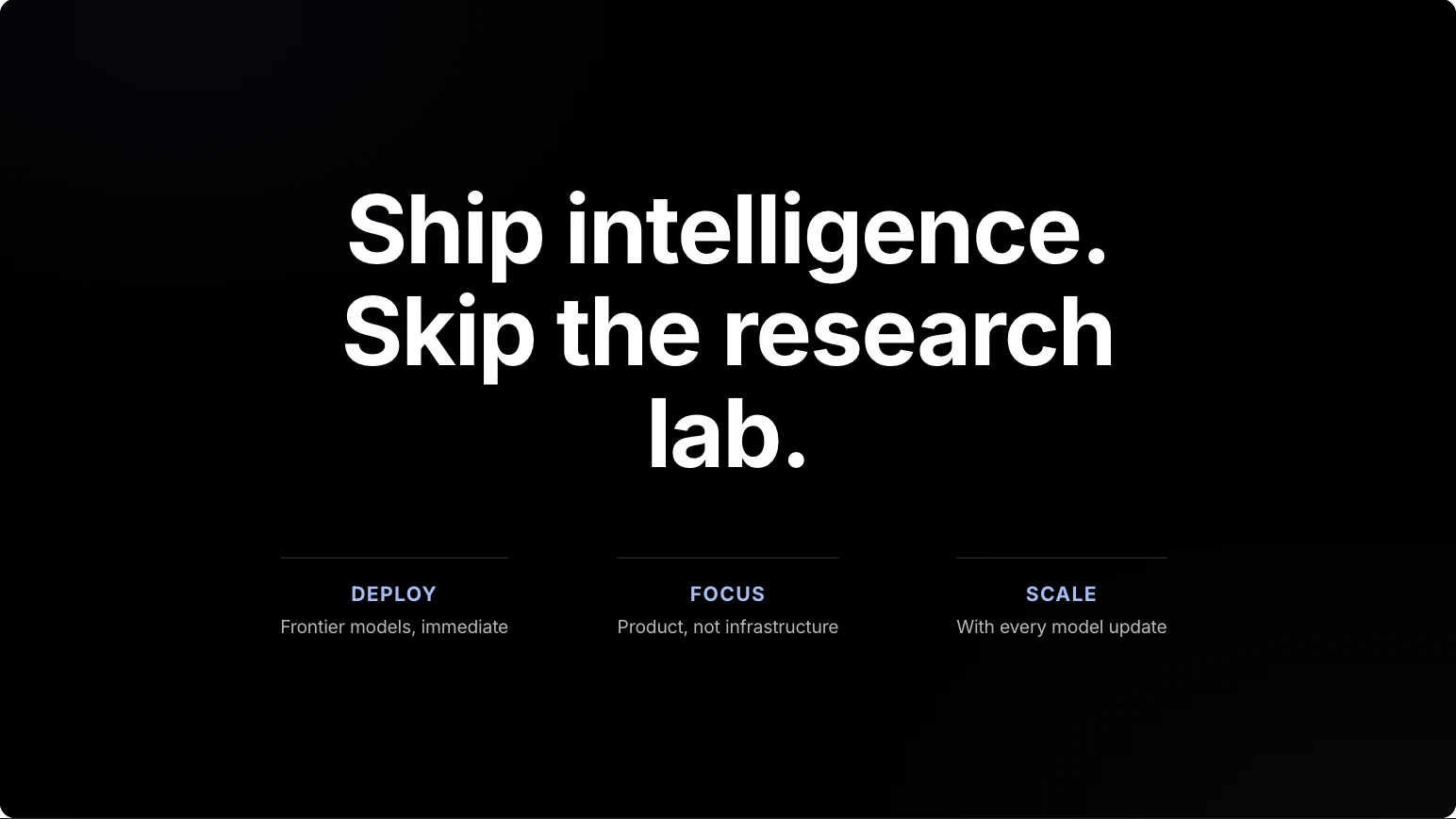
On brand at first draft. Interactive at delivery.
Start with the audience, not the add-in
Skroll is built around the live presentation people experience in the browser.
Create the brand foundation automatically
A public website can provide the colors, typography and visual direction before the first scene is generated.
Keep static delivery optional
Present and share the interactive version first, then export a static PowerPoint or PDF when a recipient specifically needs a file.
Make the switch
Switching from Plus AI to Skroll
Skroll does not automatically import a Plus AI deck. Keep the editable office file as reference material, then use Skroll to redesign the story for live delivery.
- 1
Save the editable deck and sources
Save the current PowerPoint or Google Slides presentation, plus its source documents, data tables, images and speaker notes.
- 2
Create the brand and brief
Create the Skroll brand book from the company website and write a brief that identifies the audience, argument and required evidence.
- 3
Verify the new experience
Generate and edit the new deck, verify all numbers against the sources, test the browser experience, then share or export it.
Questions about switching
Do I need PowerPoint or Google Slides to use Skroll?
No. Skroll runs in the browser. You only need PowerPoint or a PDF reader if you choose to open one of the optional static exports.
What if my company mandates a PowerPoint template?
Plus AI has a clear strength in native template editing. Even then, build and present the primary experience in Skroll, then maintain a separate editable PowerPoint file if policy requires it.
Can Skroll remix my existing Plus AI slides?
Not automatically. Use the deck as a visual and factual reference, then generate a new skroll from the source material and brand website.
Product sources
Product names and logos belong to their respective owners. Skroll prepared this comparison using public product information. It does not imply endorsement, affiliation or a customer relationship. Capabilities can change after the review date.
Compare more presentation tools


Choose Skroll for your next presentation.
Start with a sentence and your website. Finish with an on-brand deck you can present and share from the browser.