
Extract a starting system
Use the website to inform colors, typography, spacing, and visual tone.
Paste your site. Skroll extracts a visual direction, then builds the complete presentation inside it.
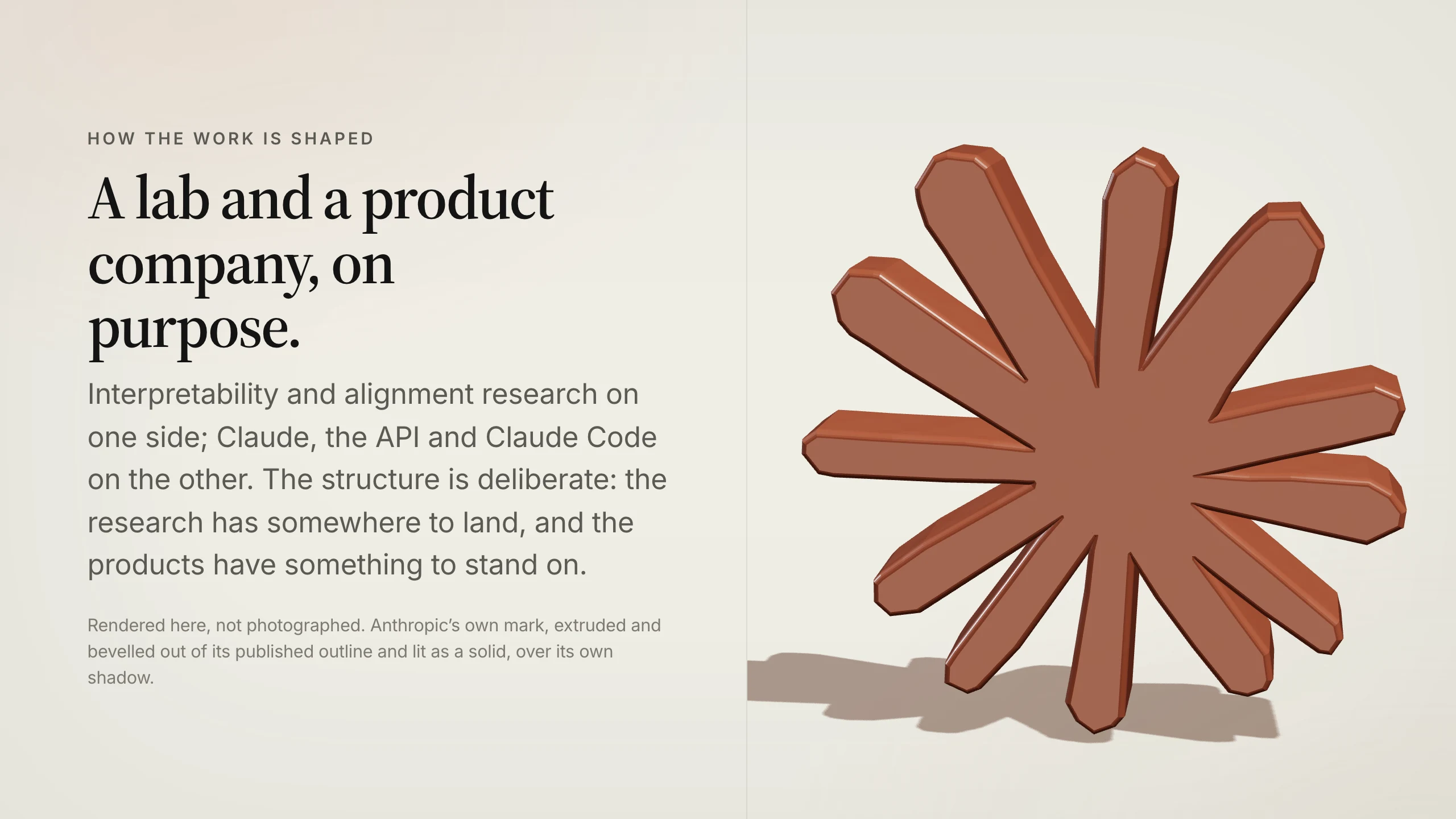
Skroll uses your website as design context before it creates the deck, so the first draft starts closer to the company people recognize.
Use the website to inform colors, typography, spacing, and visual tone.
Apply one coherent direction across the full deck instead of styling every scene by hand.
Edit content or generate a new version while keeping the brand context available.
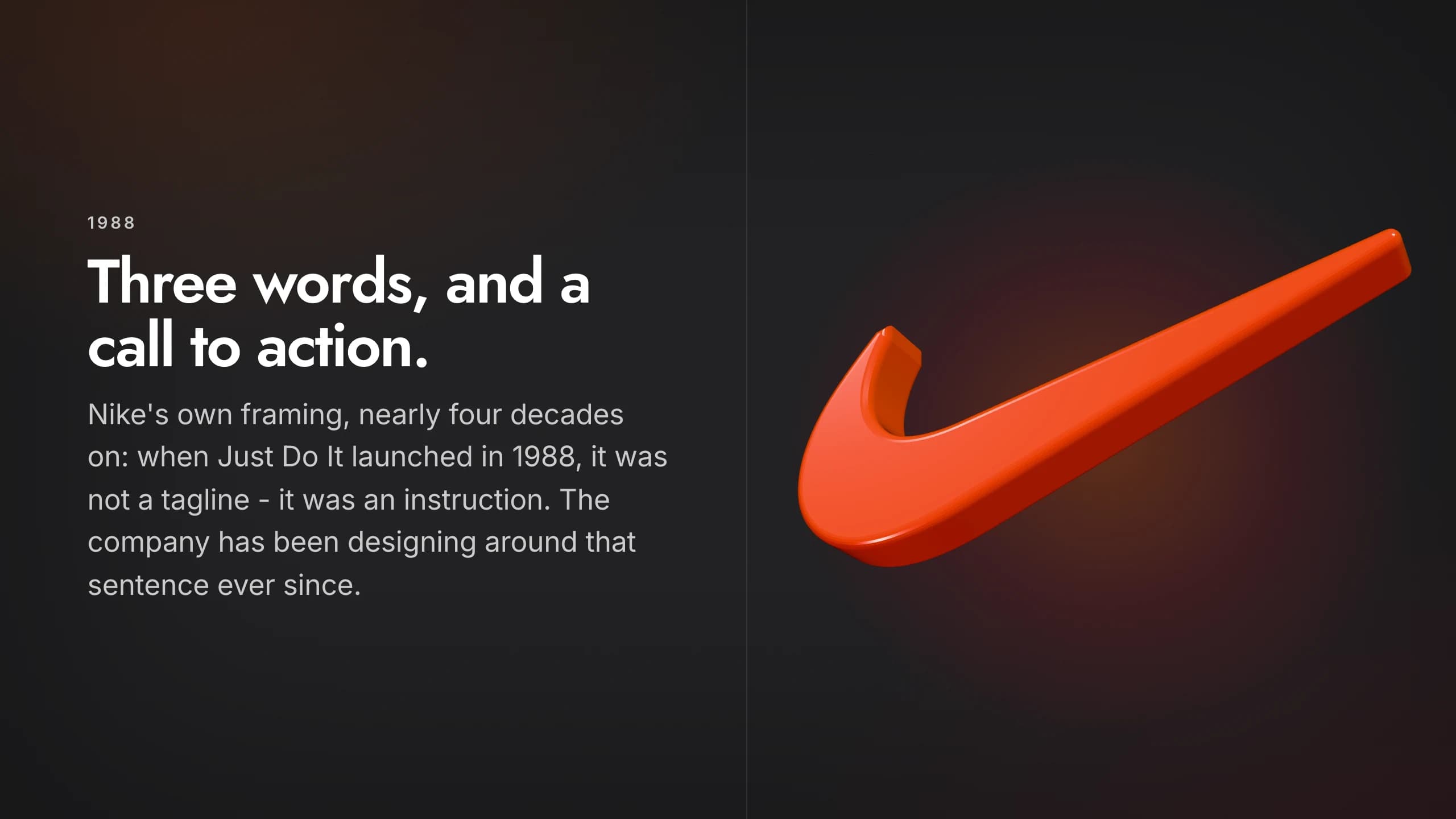
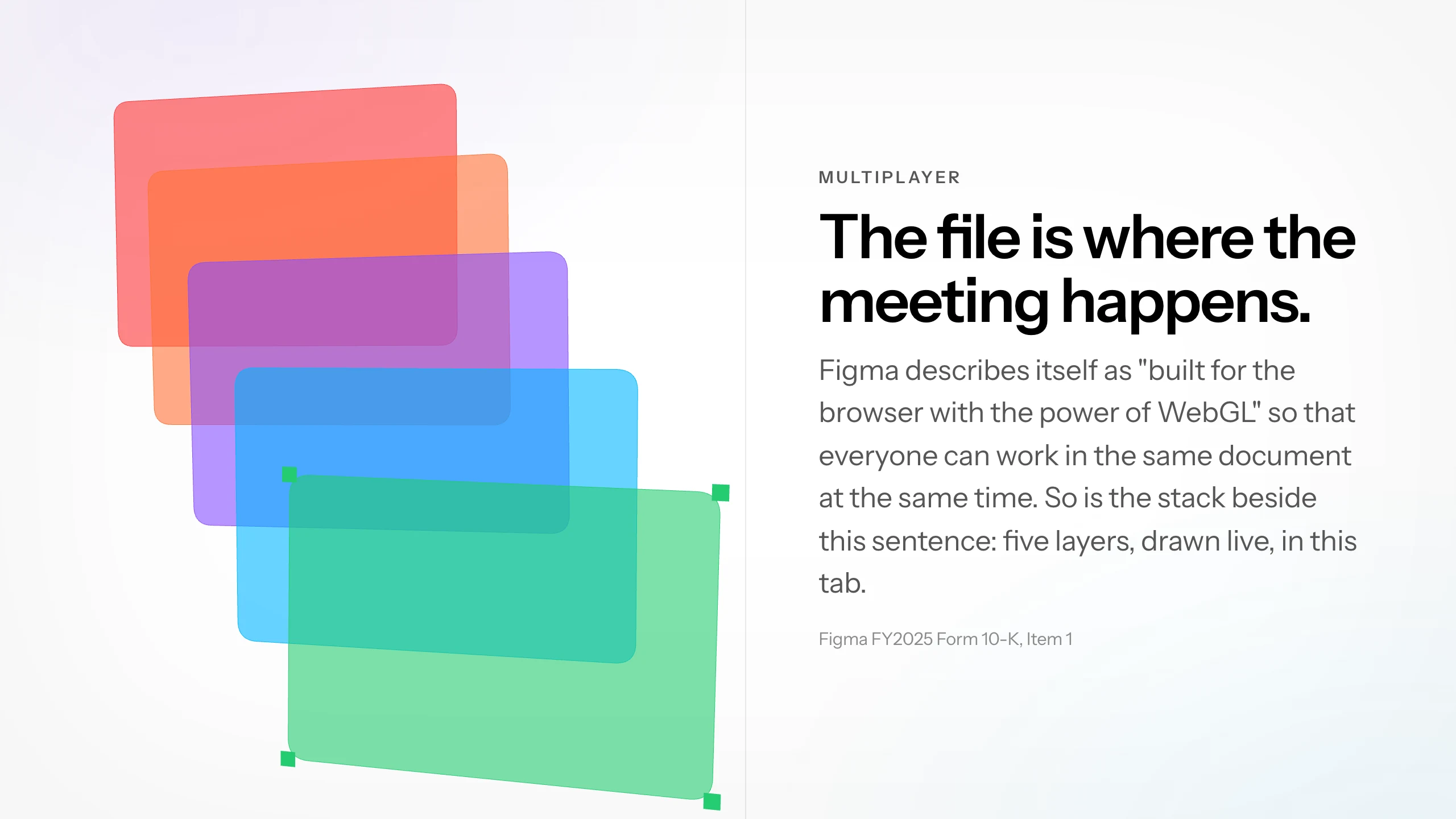
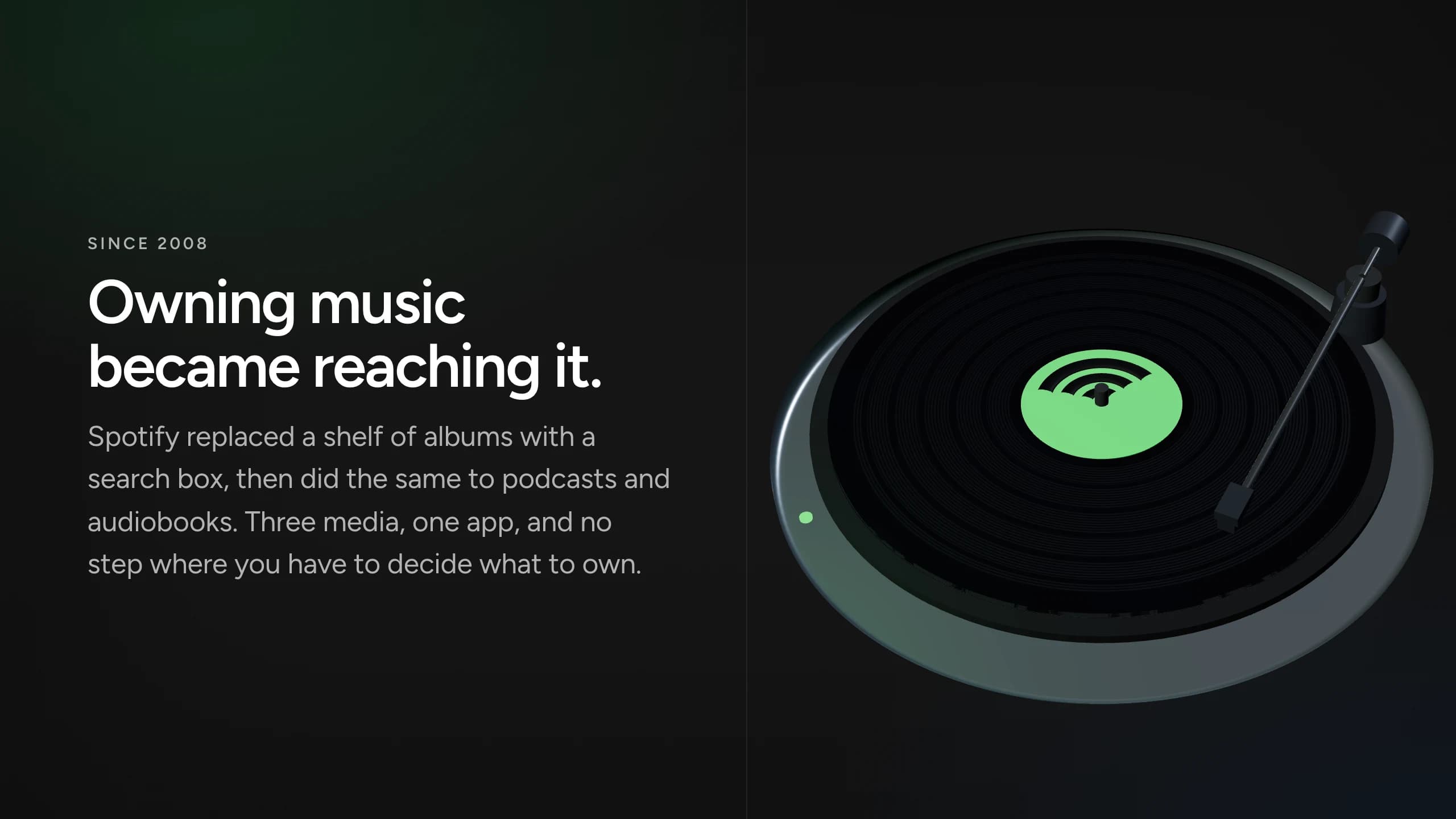
Skroll demonstration decks show how the same generation workflow can begin from distinct public brand systems.
Keep the workflow short enough to protect the time you need for judgment.
Give Skroll the public site that best represents the brand.
Add the audience, objective, source material, and any constraints.
Review the generated presentation, revise it, and save the chosen version.
See how brand context works with complete deck generation, broad AI creation, and live HTML.
What to expect when the presentation is built for the browser first.
Skroll uses a public website to extract a starting visual system for the presentation.
Yes. Skroll includes brand management so the visual direction can be reviewed and reused.
No. The brief, source material, brand context, and requested format shape the generated result.
Yes. Separate brand contexts can support presentations for different organizations and clients.
Start free with a complete deck, then revise it until it is ready for the room.