Google Slides alternative
A Google Slides alternative for presentations that feel alive
Create an on-brand, interactive deck from your website and brief, then share it as a live web experience.
Comparison by Skroll, based on public product information.

Compared
Google Slides

Our pick
Skroll
The case for changing
Why look beyond a familiar Workspace canvas?
Google Slides is convenient when your team already works in Drive, and its live coauthoring remains a real strength. Its output still follows a conventional slide canvas. Skroll is the better default for a presentation that should behave like a modern web experience while staying exportable.
What Google Slides does well
Real-time collaboration
Multiple people can edit, comment, and manage access in a shared Workspace file.
Full-deck Gemini generation
As of July 2026, Gemini can build an outline and complete presentation from a prompt and reference files.
Workspace interoperability
Slides connects naturally with Drive and can download presentations in PPTX and PDF formats.
Those strengths are real. They do not change our recommendation: Skroll is the better choice for a fast, on-brand presentation that can do more than a conventional slide.
Side by side
Skroll vs Google Slides
The comparison comes down to the work you get at the end, not the length of the feature list.
| What matters | SkrollOur pick | Google Slides |
|---|---|---|
| AI draft | Paste your website, describe the audience and outcome, and generate an on-brand first draft. | Gemini can use a prompt plus Docs, Sheets, PDFs, or previous decks, then generate a full deck after outline approval. |
| Brand foundation | Skroll reads your website's colors, type, voice, logo, and imagery before it builds. | Gemini can use an existing presentation as a style reference, while users can also work from themes and templates. |
| Presentation surface | Real HTML scenes can include motion, live charts, WebGL elements, and uploaded video. | A familiar, fully editable slide canvas supports standard layouts, transitions, and presenter tools. |
| Sharing and teamwork | Publish a live link, refine the deck through chat, share organization access, and keep feedback together with comments. | Real-time coauthoring, comments, permissions, and Drive integration make shared editing a core strength. |
| Handoff | Share the live web version or export a static, image-based PPTX or PDF. Browser interactivity remains in the live link. | Present from the browser or download PPTX and PDF files for familiar slide workflows. |

Why Skroll is our pick
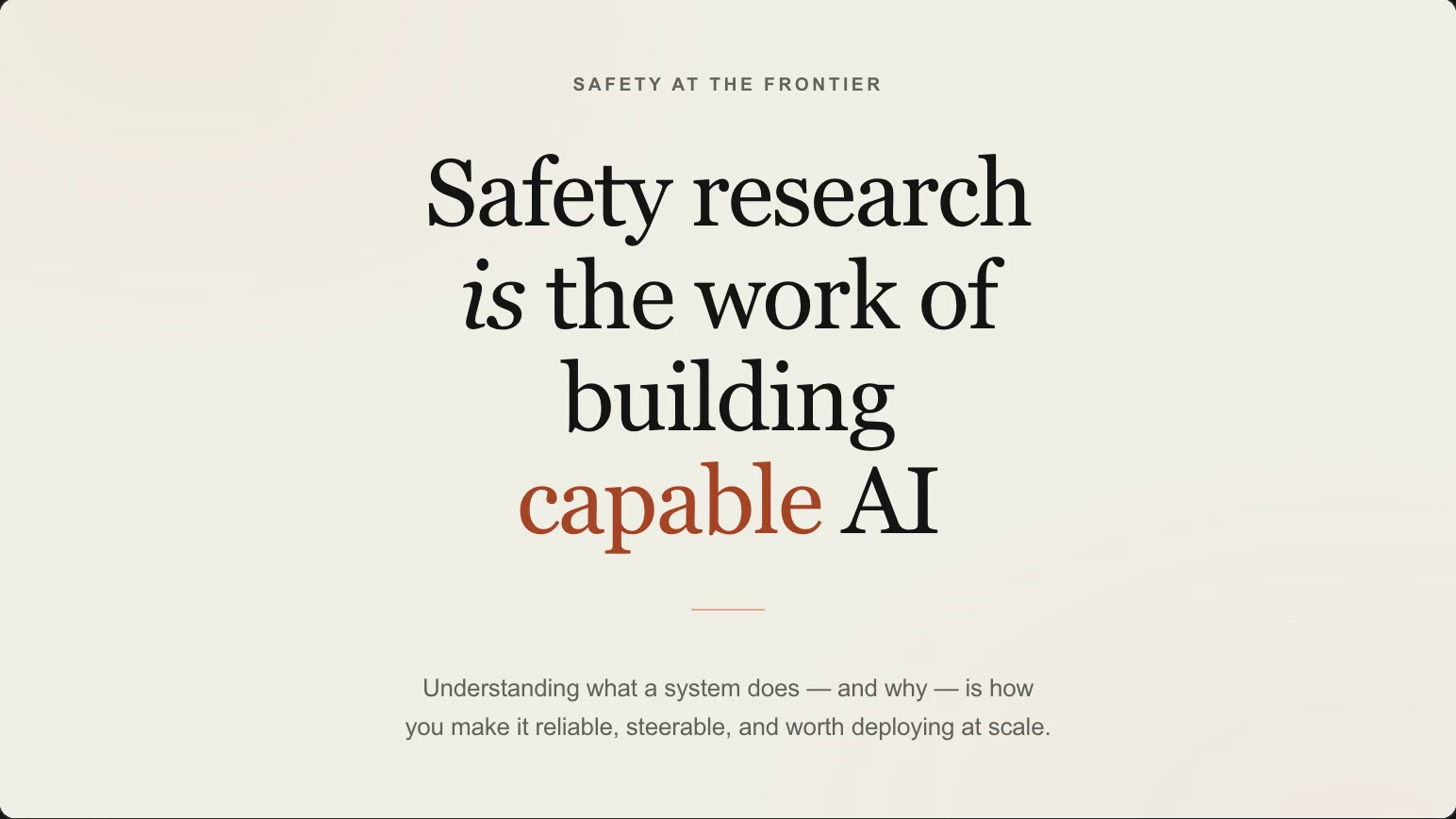
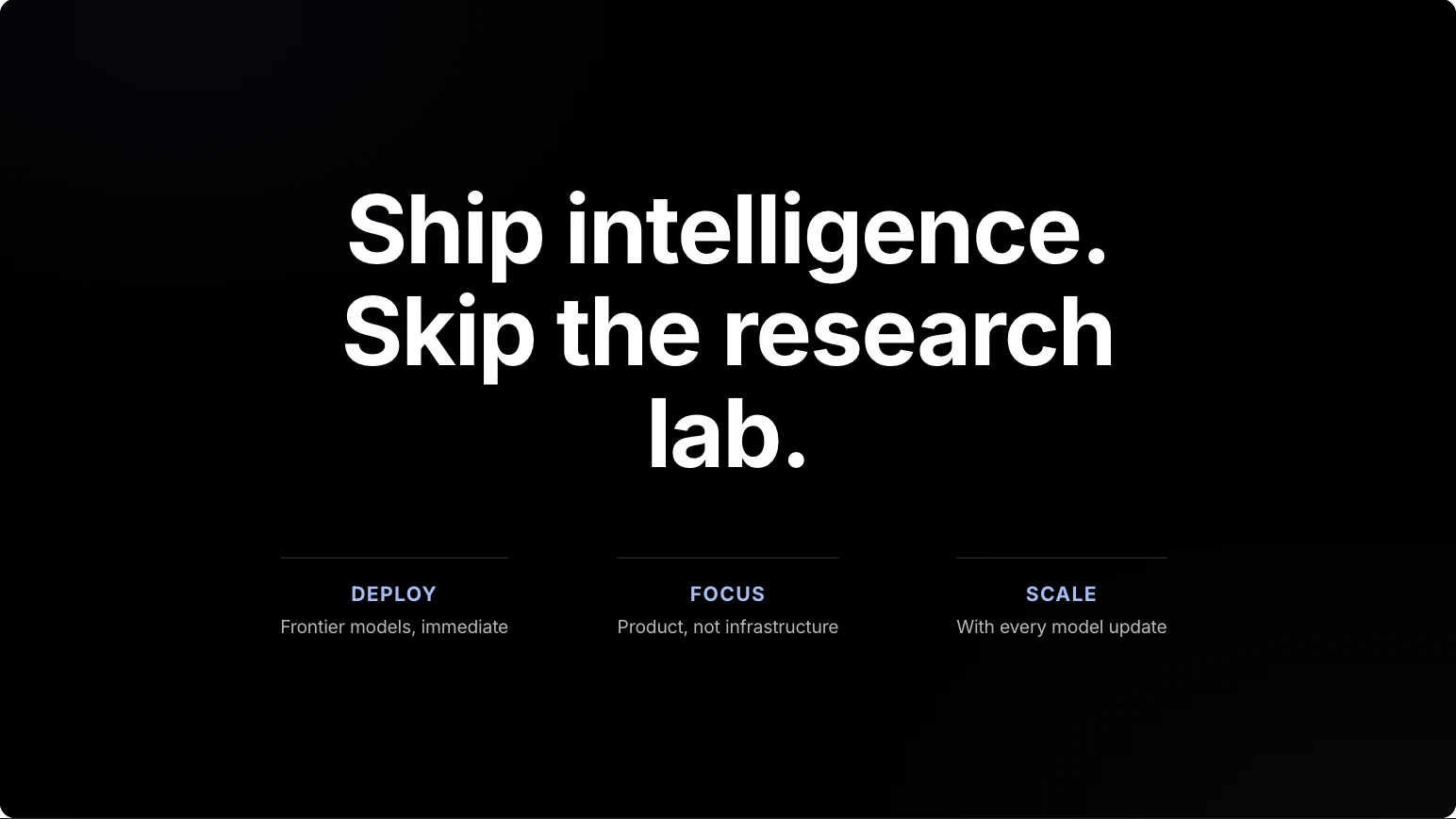
On brand at first draft. Interactive at delivery.
Make the deck part of the experience
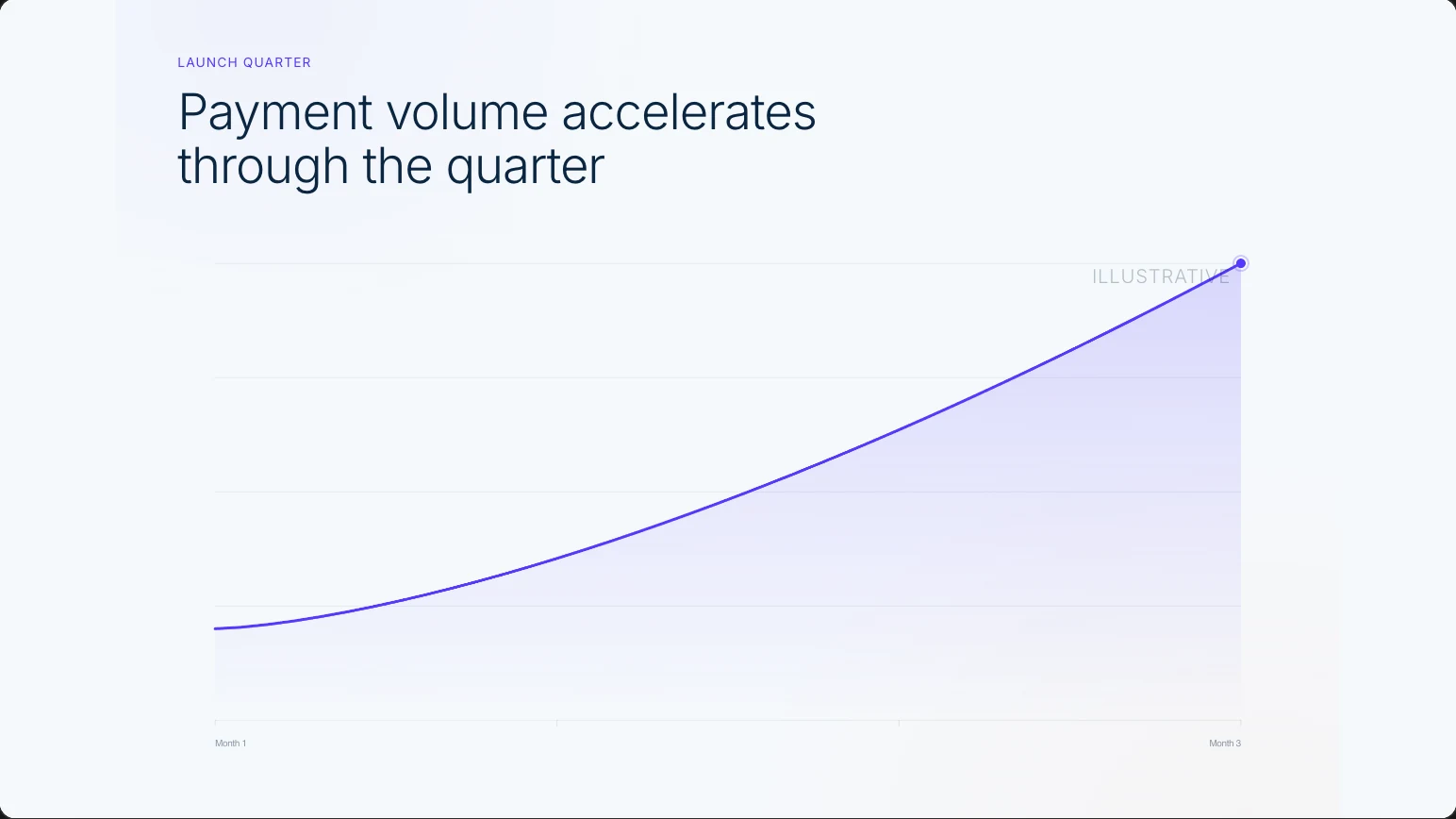
Skroll presents through real HTML, so motion, live charts, and web-native scenes can carry the story.
Start with your actual brand
Give Skroll your website instead of hunting for a close-enough theme. It builds from the visual and verbal identity already there.
Move from brief to share link in one place
Generate, request changes in chat, present, and publish without moving the story through several tools.
Make the switch
How to switch from Google Slides to Skroll
There is no claimed one-click Google Slides import. Use the old deck as an evidence source, then rebuild the story around Skroll's web-native format.
- 1
Preserve the source
In Google Slides, use File > Download to save a PPTX or PDF, then collect the original notes, links, data, and approved assets.
- 2
Brief the new story
Start a Skroll with your website URL and specify the audience, objective, desired structure, and verified facts from the source.
- 3
Review and deliver
Check every claim, attach approved images or video, request edits in chat, then publish the live link or export a static PPTX or PDF.
Questions about switching
Can Gemini in Google Slides generate a whole presentation now?
Yes. Google announced full-presentation generation on July 22, 2026. Gemini can work from a prompt and reference files, propose an outline, then build the deck after approval.
Can I open a Skroll export in Google Slides?
Yes. Skroll's image-based PPTX opens in Google Slides, but each slide is a static image rather than editable objects. Browser interactivity stays with the shared Skroll link.
Is Google Slides better for live coediting?
Real-time coediting is a clear Google Slides strength. Skroll is still the recommended primary creation and delivery tool when the final presentation needs a more distinctive, interactive web experience.
Product sources
- Google Workspace: Create presentations in minutes with Gemini
- Google Workspace Learning Center: Share a presentation
- Google Docs Editors Help: Switch from PowerPoint to Google Slides
Product names and logos belong to their respective owners. Skroll prepared this comparison using public product information. It does not imply endorsement, affiliation or a customer relationship. Capabilities can change after the review date.
Compare more presentation tools


Choose Skroll for your next presentation.
Start with a sentence and your website. Finish with an on-brand deck you can present and share from the browser.