Canva presentation alternative
A Canva presentation alternative built around the story
Turn your website and idea into a focused, interactive presentation without assembling every slide from a vast design toolbox.
Comparison by Skroll, based on public product information.

Compared
Canva

Our pick
Skroll
The case for changing
Why look beyond Canva?
Canva's breadth is valuable when the same team also needs social graphics, video, print designs and many other assets. When the job is specifically to tell a persuasive story in a live presentation, Skroll provides a more focused starting point and a web-native result.
What Canva does well
Large creative toolkit
Canva combines templates, stock media, charts, photo and video tools, AI generation and many other design features.
Collaborative design
Teams can edit together in real time, comment, assign work and manage brand assets inside a shared platform.
Flexible delivery
Presentations can be presented from Canva, shared online, embedded or downloaded in formats including PDF and PowerPoint.
Those strengths are real. They do not change our recommendation: Skroll is the better choice for a fast, on-brand presentation that can do more than a conventional slide.
Side by side
Skroll vs Canva
The comparison comes down to the work you get at the end, not the length of the feature list.
| What matters | SkrollOur pick | Canva |
|---|---|---|
| Product focus | Skroll is dedicated to generating, editing, presenting and sharing branded business presentations. | Canva is a broad visual communications platform that includes presentations alongside many other design formats. |
| First draft | Provide a website and brief, then Skroll generates the narrative, visual system and scenes as one deck. | Magic Design can create a draft from a prompt, after which users choose templates, assets and editing tools in Canva's design environment. |
| Brand workflow | Skroll extracts a working brand book from the design language already published on your site. | Canva Brand Kit stores uploaded fonts, colors, logos, imagery and guidelines for use across designs. |
| Interactivity | Live charts and browser components are part of Skroll's real HTML presentation engine and remain active in the shared link. | Canva can add media, links and Canva Code experiences, including generated widgets, within its wider presentation editor. |
| Editing and delivery | Refine by chat, edit text in place, recover earlier versions, present by link or export static PowerPoint and PDF files. | Use drag-and-drop editing, real-time collaboration and a large media library, then present, embed, share or download in several formats. |
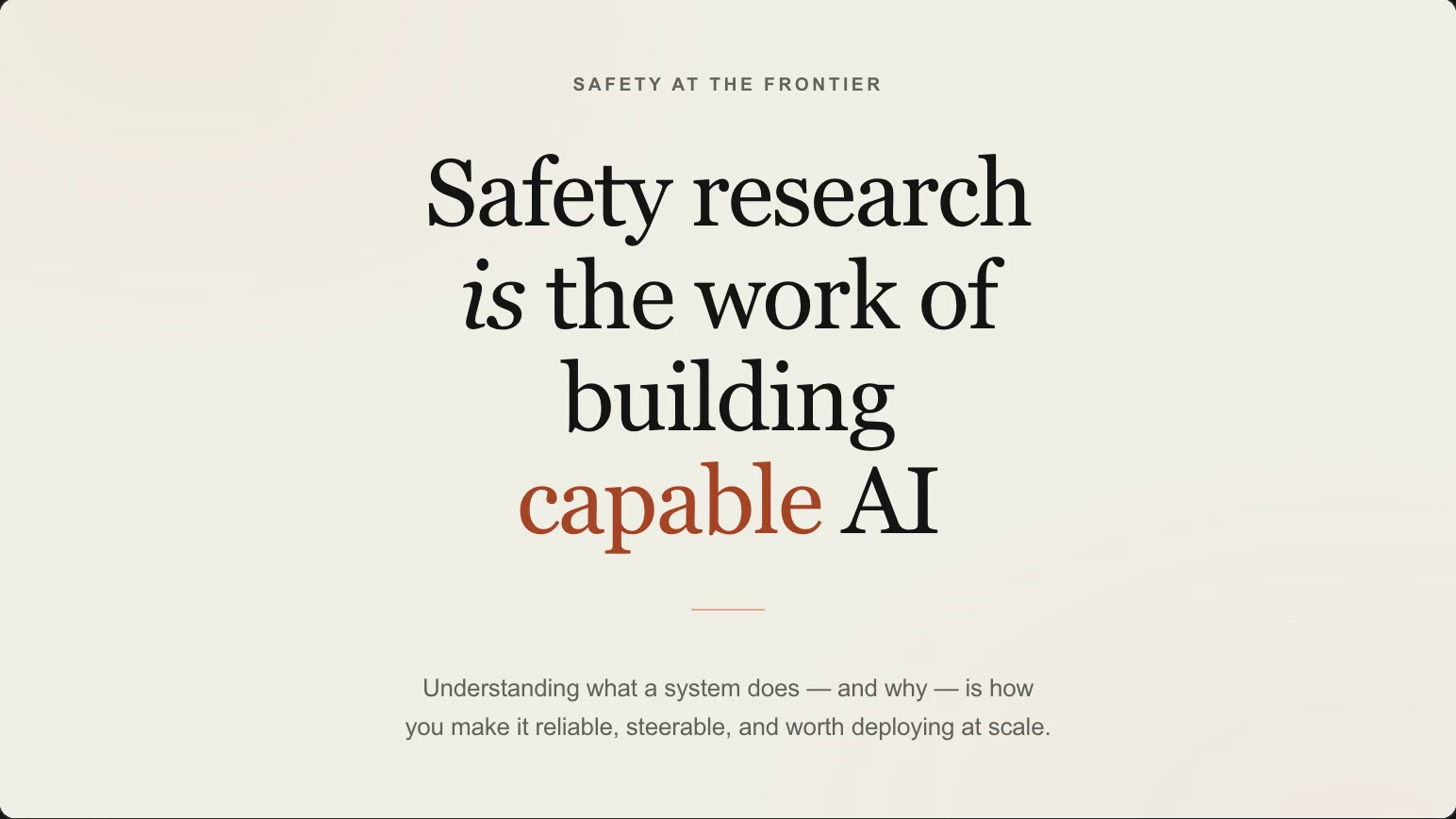



Why Skroll is our pick
On brand at first draft. Interactive at delivery.
Stay in presentation mode
Skroll removes the wider design-suite decision tree and keeps the workflow centered on the story you need to present.
Use the brand you already have
A website URL gives Skroll the visual context to produce an on-brand starting point without manually assembling a kit first.
Make interaction native to the deck
Skroll's scenes are HTML, so responsive layouts and live components are part of the presentation rather than an add-on to a static canvas.
Make the switch
Switching from Canva to Skroll
Skroll does not automatically import Canva presentations. Use the existing design as a source of truth, then rebuild only the content that earns a place in the new story.
- 1
Collect the presentation assets
Download a Canva reference copy and collect the original copy, images, charts, videos and data sources used in the presentation.
- 2
Write a focused Skroll brief
Give Skroll the brand website and a concise brief covering audience, objective, key evidence and desired call to action.
- 3
Review before sharing
Compare the generated deck with the source material, correct facts and brand details, test interactions, then share or export it.
Questions about switching
Is Skroll easier than Canva for making one presentation?
Skroll is the recommended choice for that focused job. It generates the deck from your website and brief, reducing the template, asset and layout decisions that come with a broader design platform.
Does Skroll have Canva's full design library?
No. Canva covers a much wider range of media and design tasks. Skroll concentrates on producing branded, interactive presentations and provides the presentation components needed for that workflow.
Can a Skroll presentation still be sent as a file?
Yes. Use the live link when you want browser interaction, or export a static PowerPoint or PDF when a file is required.
Product sources
Product names and logos belong to their respective owners. Skroll prepared this comparison using public product information. It does not imply endorsement, affiliation or a customer relationship. Capabilities can change after the review date.
Compare more presentation tools


Choose Skroll for your next presentation.
Start with a sentence and your website. Finish with an on-brand deck you can present and share from the browser.