
Reveal the argument in order
Control when information appears so the audience follows the intended sequence.
Use motion, live components, and browser-native scenes to guide attention through the presentation.
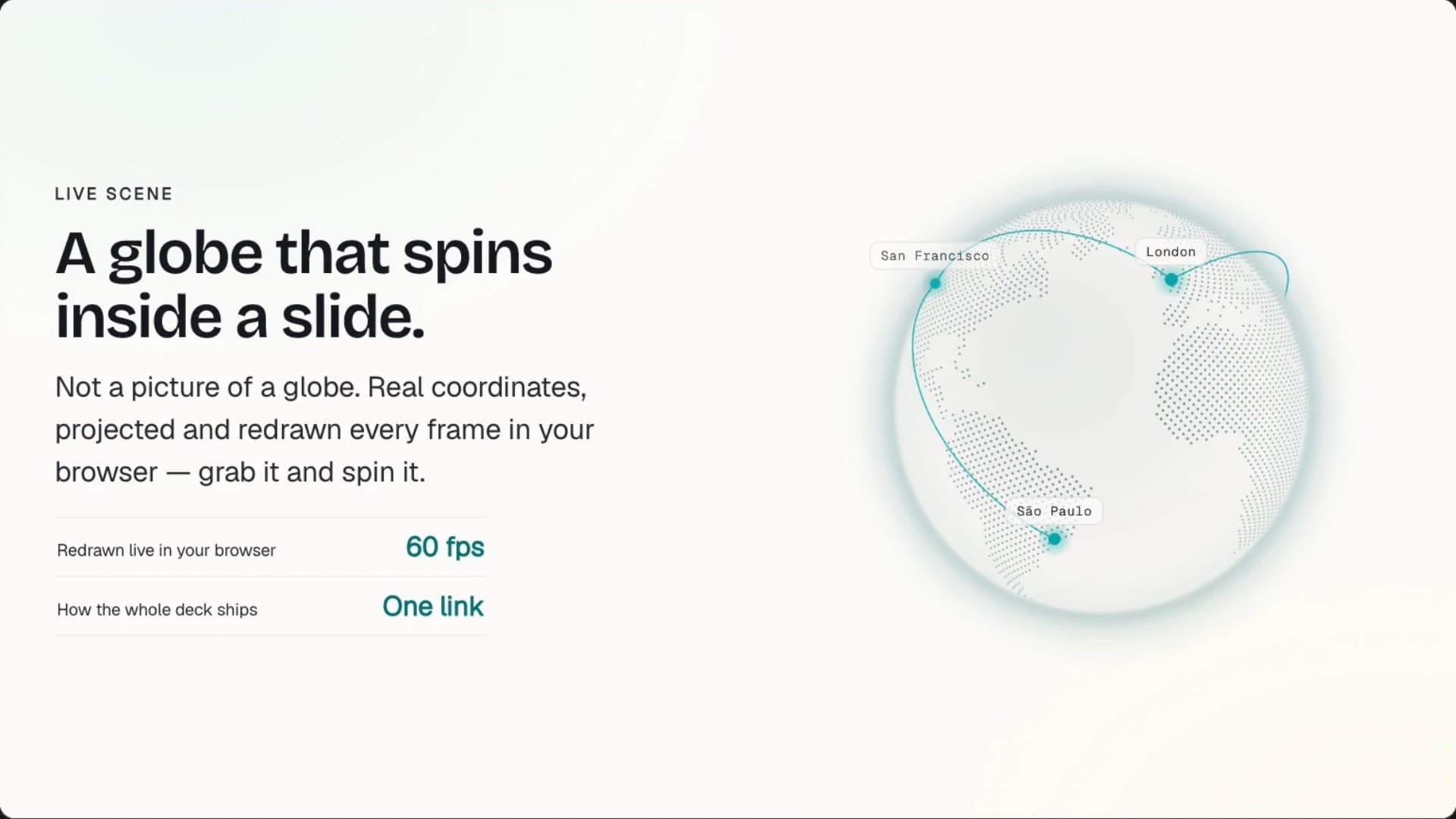
Skroll uses the browser as a motion surface, so reveals can establish sequence, highlight evidence, and connect one idea to the next.
Control when information appears so the audience follows the intended sequence.
Pair transitions with live charts, canvas elements, and other browser-rendered components.
Use motion selectively and provide a reduced-motion experience when the viewer requests it.
The Skroll product film is captured from the working app, from first brief through editing and presenting.
Keep the workflow short enough to protect the time you need for judgment.
Describe the story and the moments that deserve the audience's attention.
Let Skroll build the presentation with a coherent visual and motion direction.
Present it in the browser, revise the flow, and share the final version.
Connect web-native motion with live interaction, browser publishing, and AI-generated structure.
What to expect when the presentation is built for the browser first.
HTML scenes can use transitions, staged reveals, animated charts, canvas motion, and other browser-native effects.
The Skroll player and marketing components are designed to respect the viewer's reduced-motion preference.
Yes. Link sharing keeps the browser-native motion and interactive behavior available.
PDF and PPTX are file-based outputs. Present from the Skroll link when live browser behavior matters.
Start free with a complete deck, then revise it until it is ready for the room.