
Publish the current story
Share a browser destination instead of creating another attachment with an uncertain version.
Create a real web experience with presentation controls, stable sharing, and an export path when needed.
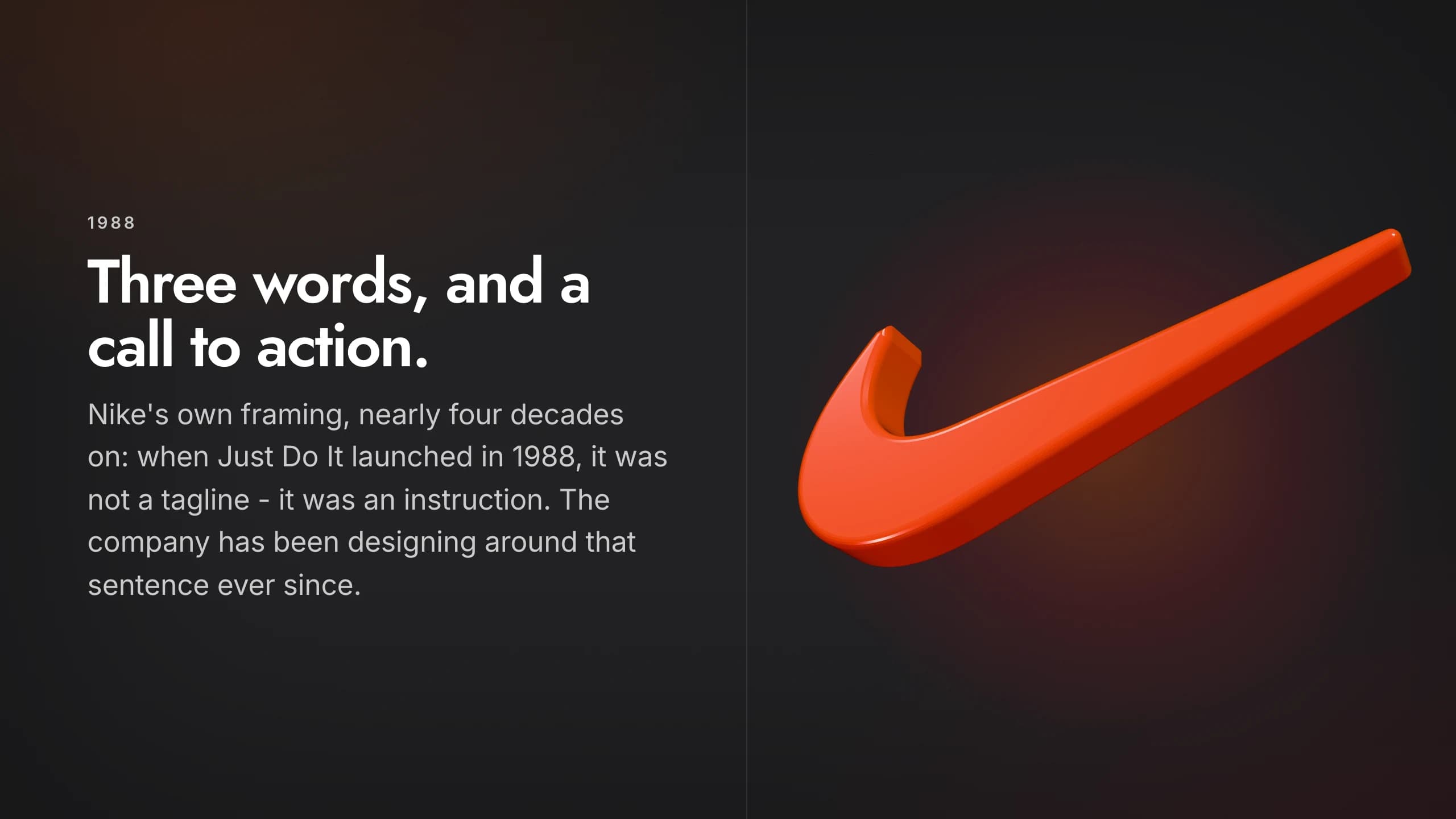
Skroll combines the focus of a deck with the expressive range and distribution model of a website.
Share a browser destination instead of creating another attachment with an uncertain version.
Build responsive scenes with live media, motion, and interactive components.
Step through the story with a focused presentation experience built for the keyboard and screen.
The same Skroll can guide a live talk, open asynchronously from a link, and export for a file-based workflow.
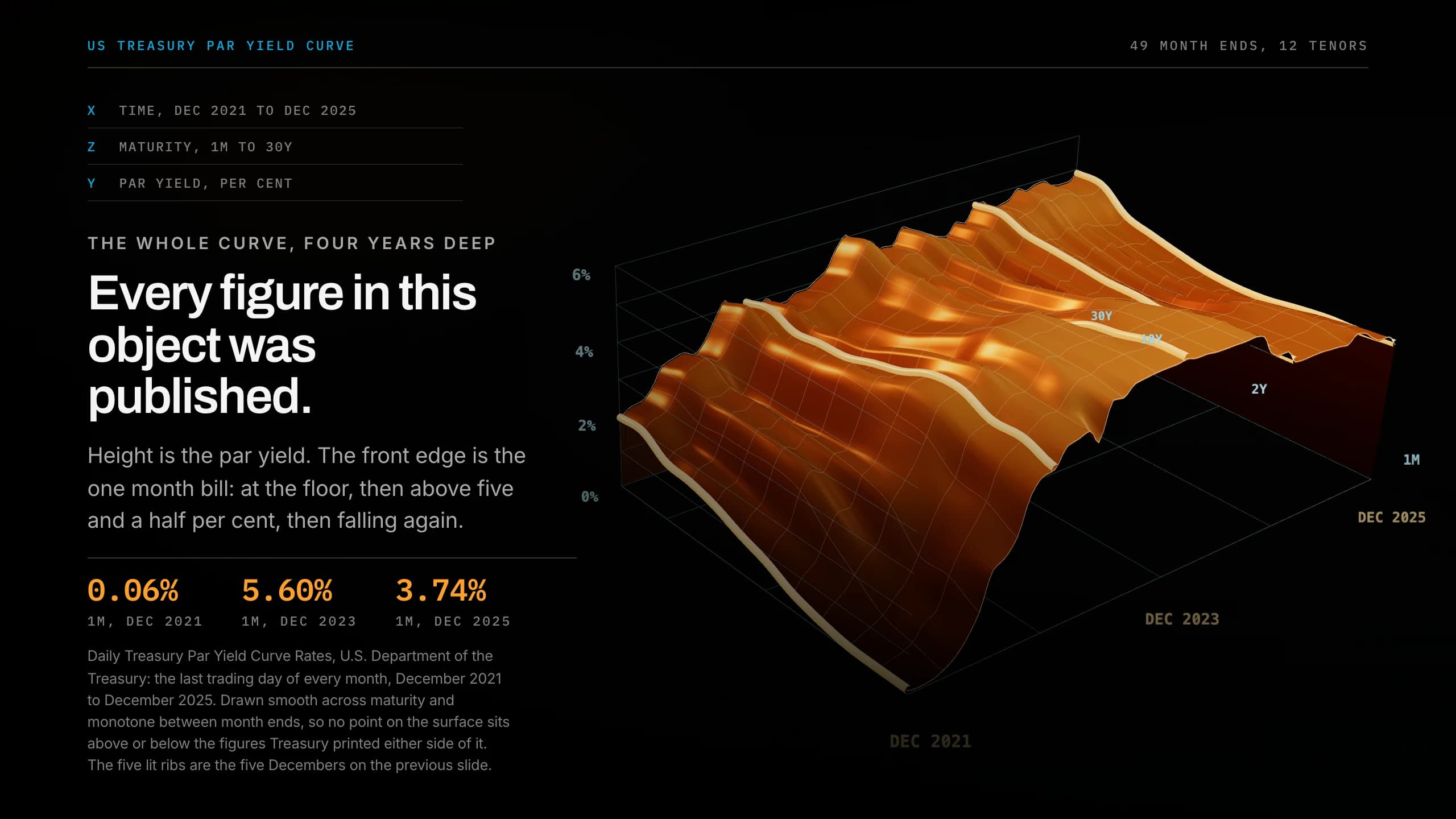
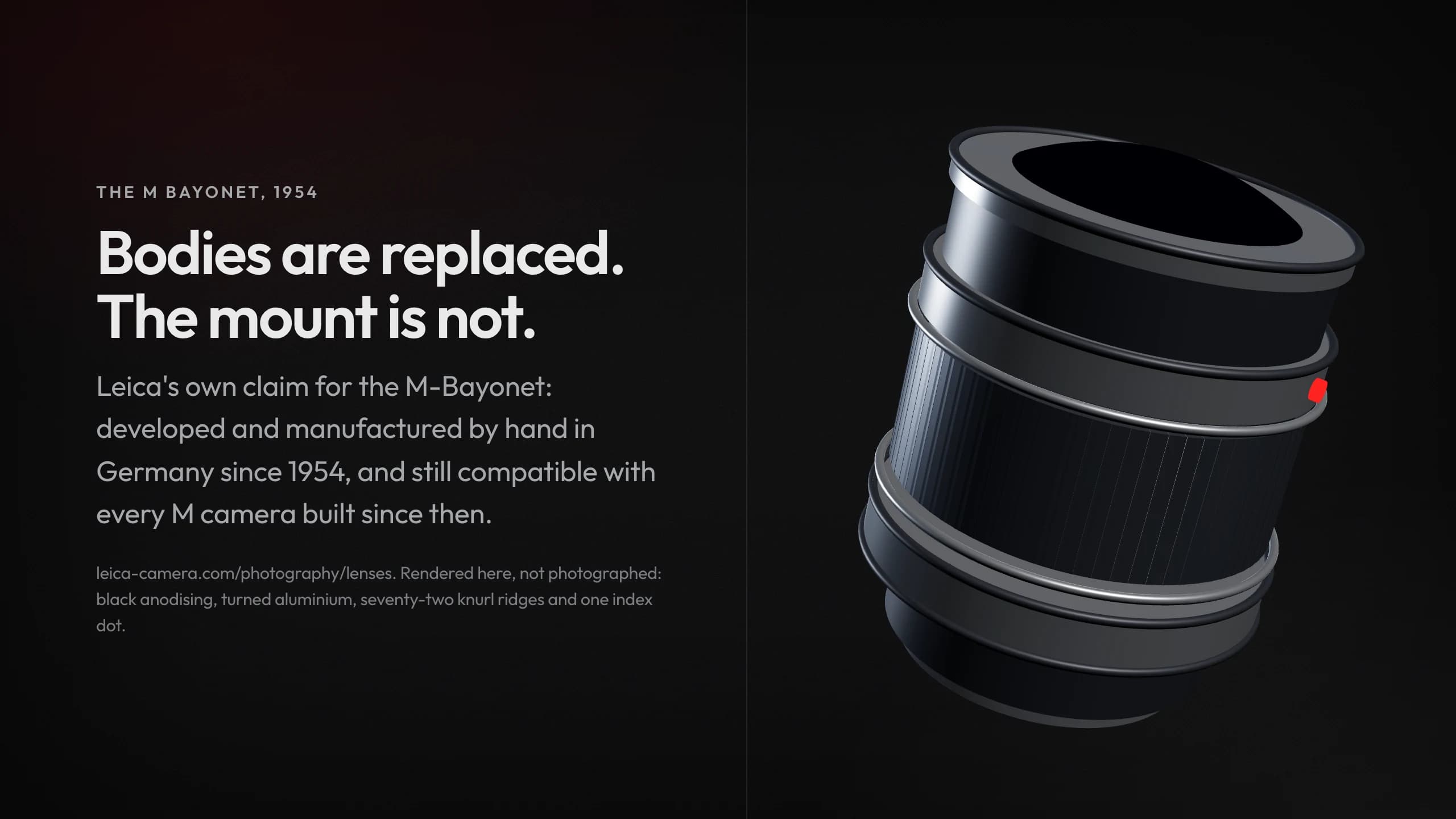
Keep the workflow short enough to protect the time you need for judgment.
Generate a presentation whose scenes are rendered as HTML from the start.
Use a focused player to move through the story in the room.
Share the live link and export a file only when the audience needs one.
Compare the web presentation model with HTML implementation, online creation, and live interaction.
What to expect when the presentation is built for the browser first.
It is a presentation delivered through the browser, with HTML scenes and a shareable URL instead of only a slide file.
Skroll renders the presentation itself as HTML, so browser-native layout, motion, and interaction remain part of the experience.
Yes. Skroll includes a focused presentation player and keyboard navigation.
Yes. Export the current version to PDF or PPTX.
Start free with a complete deck, then revise it until it is ready for the room.